








जनरेटर
इतिहास
एआई फ्लोर प्लान जनरेटर
परिवर्तन उपकरण
मॉडल
बेस
स्विच
Rooms
बेडरूम
-
2
+
बाथरूम
-
1
+
Kitchen
खुला
बंद
कुल क्षेत्रफल
यूनिट Metric
 साम्राज्यिक
Metric साम्राज्यिकक्षेत्र
< 50㎡
50-80㎡
80-100㎡
100-120㎡
120-150㎡
> 150㎡
अतिरिक्त सुविधाएं
वॉक-इन क्लोजेट
लॉन्ड्री रूम
स्टोरेज रूम
यूटिलिटी रूम
होम ऑफिस
गैराज
पेंट्री
संयुक्त रहने-खाने का क्षेत्र
बालकनी

Design Your Dream Space with Our AI-Powered Virtual Blueprint Maker
Unleash your creativity and rapidly bring your architectural visions to life with Ideal House's AI Floor Plan Generator. This intuitive virtual blueprint maker transforms your ideas into professional 2D floor plans in seconds, perfect for homeowners, designers, and real estate professionals across North America. Say goodbye to complex software and hello to effortless design.
Generate My Floor Plan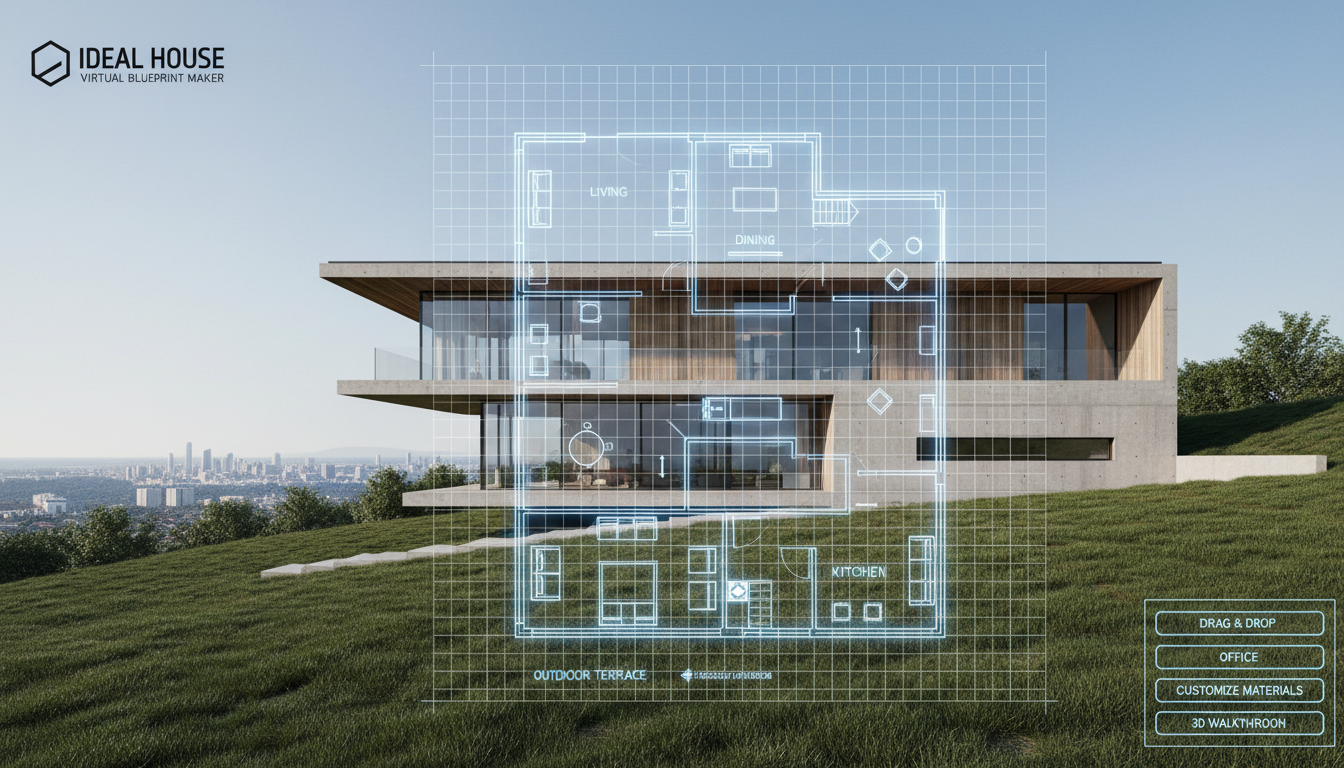


Why Ideal House is Your Ultimate Virtual Blueprint Maker
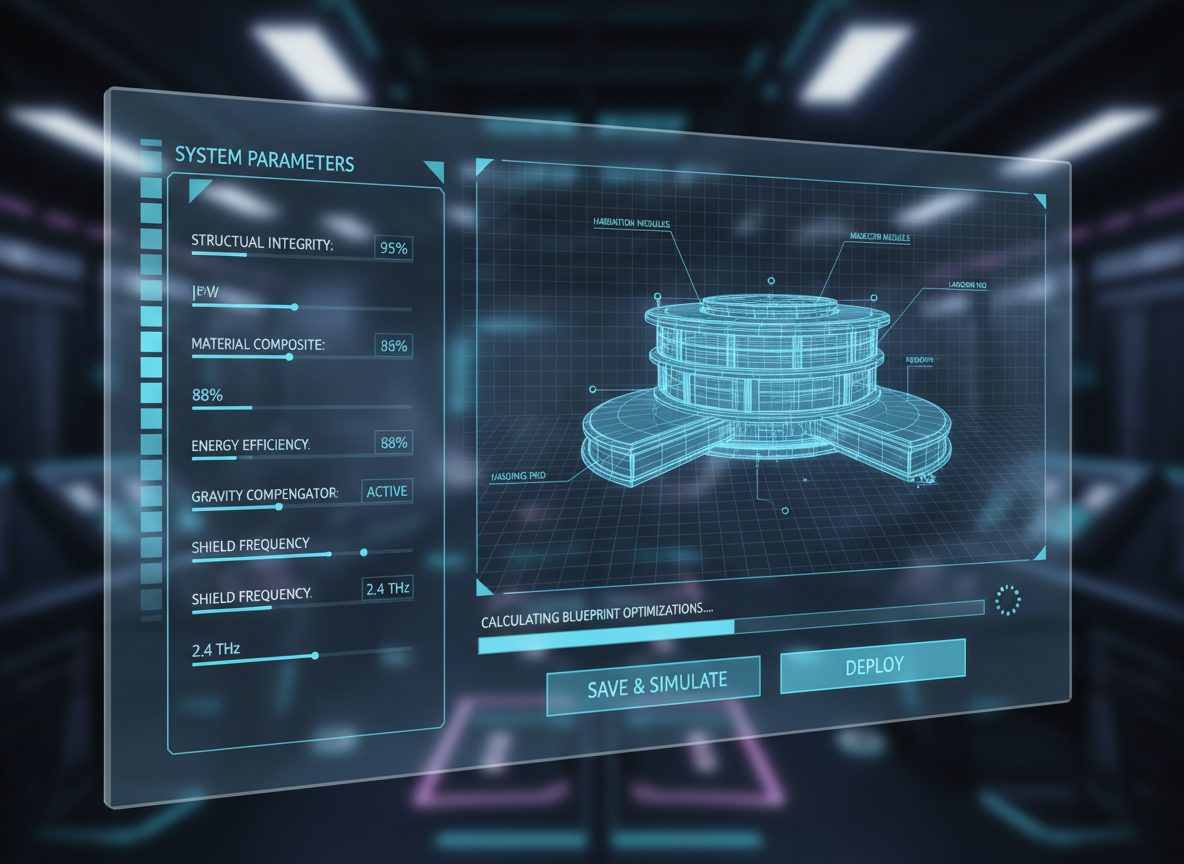
Instant, Parameter-Driven Floor Plans
Our AI Floor Plan Generator allows you to instantly create detailed floor plans by simply setting your preferences. Define the number of bedrooms (0-4), bathrooms (1-3), kitchen style (open or closed), and gross area. This intelligent virtual blueprint maker translates your selections into a clear, functional layout, giving you an immediate visual representation of your design concepts. It's the ultimate floor plan creator for rapid ideation.
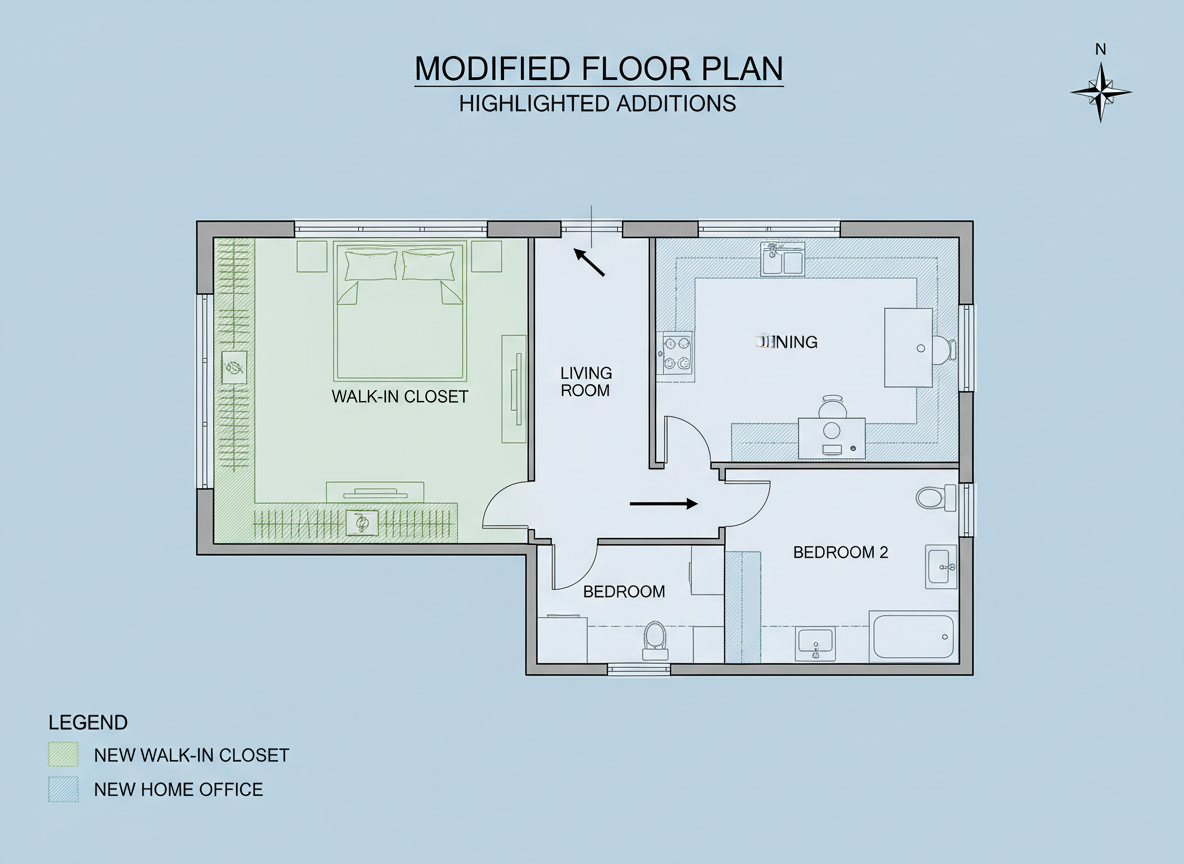
Shape Your Space with Custom Extras
Go beyond basic layouts by adding specific features to your floor plan. Select extras like a walk-in closet, laundry room, home office, garage, pantry, combined living-dining area, or a balcony. Our virtual blueprint maker understands how these elements influence flow and functionality, intelligently integrating them into your residential floor plan to create custom floor plans that truly reflect your needs. This is more than just a blueprint software; it's a smart design partner.
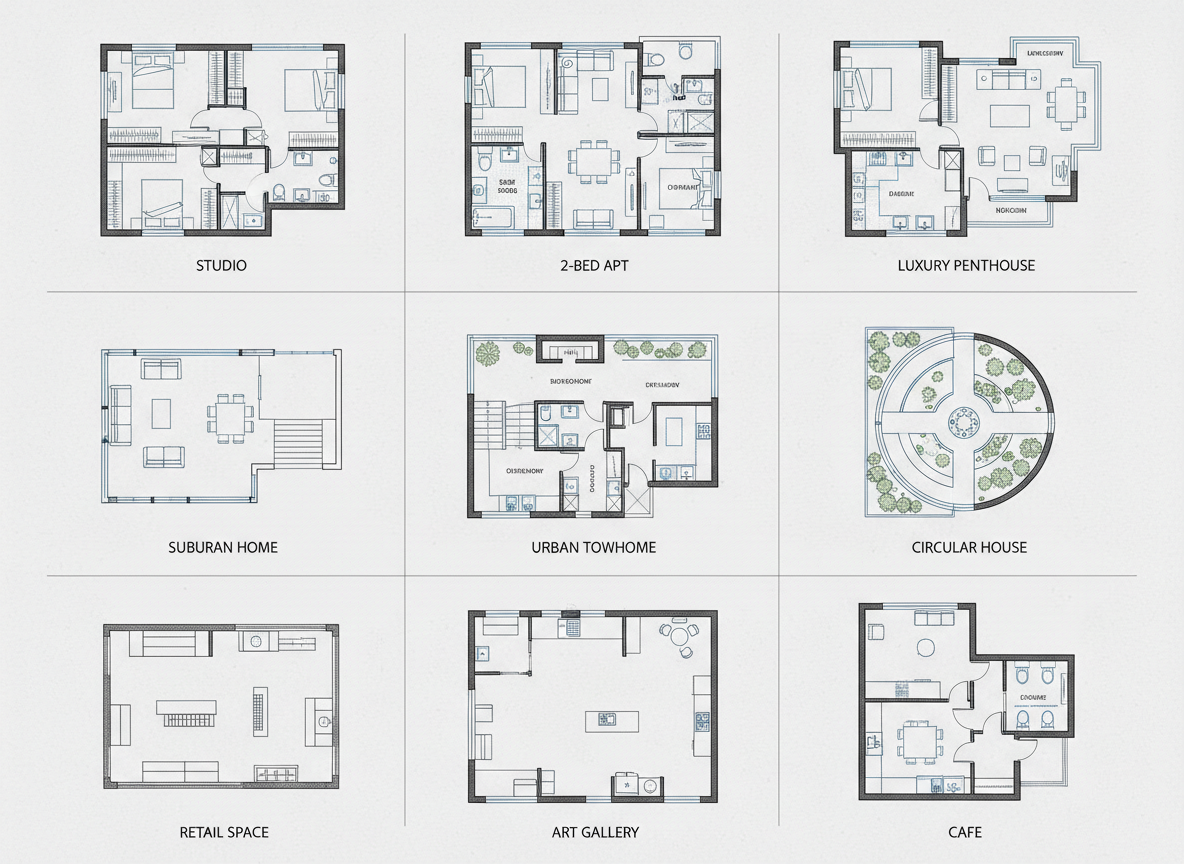
Seamless Iteration and Comparison
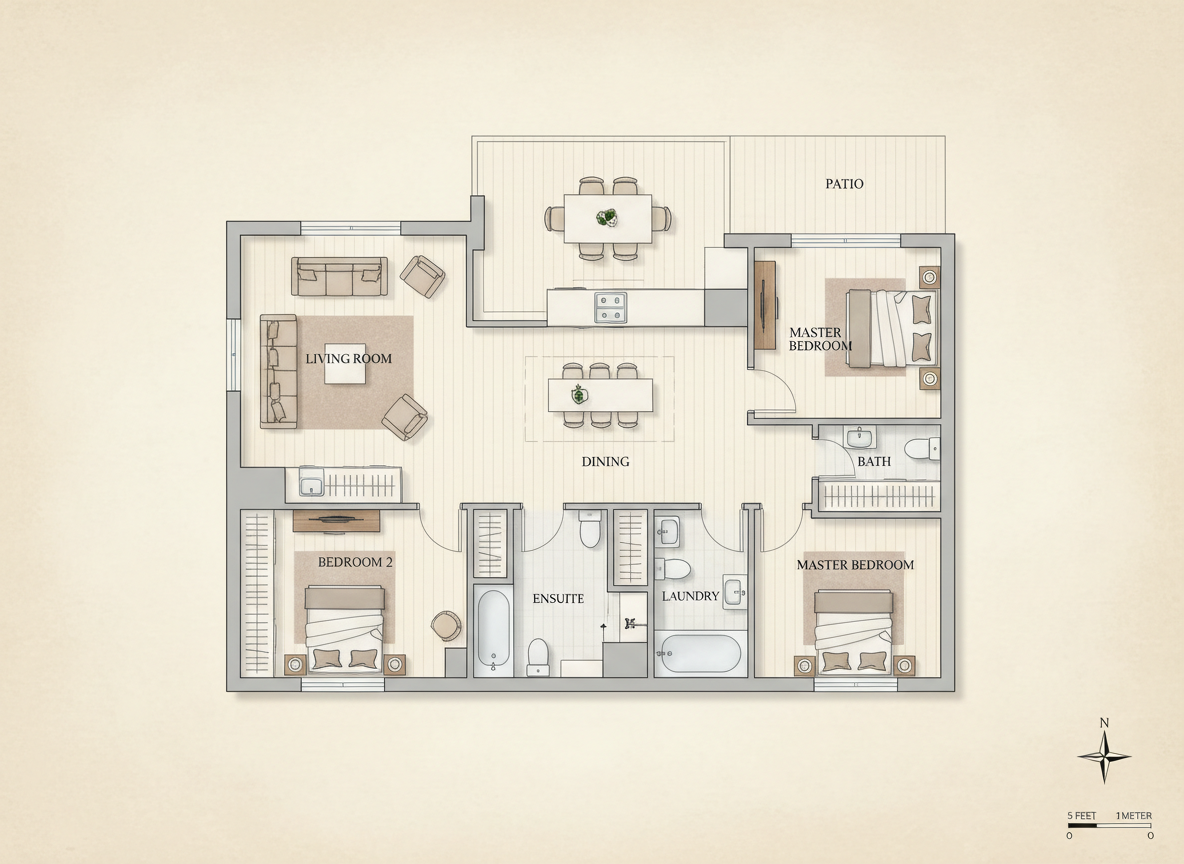
Every design generated by our virtual blueprint maker is automatically saved in your Generation History. Easily compare different iterations, tweak your parameters, and regenerate to explore endless possibilities. Whether you're a homeowner experimenting with room planner online ideas or an interior designer refining client presentations, our digital blueprint tool makes it simple to manage and select the perfect layout. This house plan generator makes iteration effortless.
Professional Quality, Effortless Creation
Produce presentation-ready 2D floor plans without any prior design experience. Our AI Floor Plan Generator ensures consistent, clear, and high-quality outputs, making it an indispensable architectural drawing tool for real estate listings, client pitches, or personal home renovation projects. Get the professional look without the steep learning curve, making us your easy floor plan creator of choice. It's the layout design software you've been waiting for.

Who Benefits from Our Virtual Blueprint Maker?

Homeowners & DIY Planners: Experiment with different bedroom/bathroom counts, kitchen styles (open vs. closed kitchen), and added features like a walk-in closet to visualize your ideal living space.

Interior Designers & Decorators: Quickly generate apartment floor plan concepts from a brief and iterate with clients in real-time, showcasing various layout options with ease.

Real Estate Agents & Developers: Create simple, consistent 2D real estate floor plans for listings, helping buyers instantly grasp the property's layout and flow, enhancing your marketing efforts with a powerful blueprint software.

Contractors & Consultants: Translate verbal requirements into clear 2D floor plan visuals to align scope, discuss options, and facilitate faster decision-making for any building layout designer project.

How to Use Ideal House's Virtual Blueprint Maker
1
Set Rooms: Choose your desired number of bedrooms (0-4; default 2) and bathrooms (1-3; default 1) to begin defining your space with this floor plan sketcher.
2
Choose Kitchen Style: Toggle your kitchen preference between 'open' or 'closed' (default: open) to influence the overall living area dynamic in your digital blueprint tool.
3
Pick Gross Area: Select the approximate size range that best matches your target footprint to guide the proportions of your residential floor plan.
4
Add Extras: Multi-select additional features like a walk-in closet, laundry room, home office, garage, pantry, combined living-dining area, or a balcony to customize your layout.
5
Generate & Review: Click 'Generate' to instantly create your 2D floor plan. Review the results in the preview panel and your Generation History, then tweak and regenerate to compare versions.
6
Download & Share: Export your chosen plan as an image or PDF, ready to share with clients, teammates, or to enhance your real estate listings.
Frequently Asked Questions About Our AI Floor Plan Generator
How does this virtual blueprint maker turn my selections into a plan?
Our AI floor plan generator interprets your program—beds, baths, kitchen type, gross area, and extras—and applies established architectural rules for adjacencies and circulation. Each generation creates a fresh 2D floor plan concept that you can refine by adjusting your inputs, acting as an intelligent home design app.
What are the available ranges and default settings?
You can select 0-4 bedrooms (default 2), 1-3 bathrooms (default 1), and toggle between open or closed kitchen (default open). Gross Area is chosen from predefined bands. Extras are multi-selectable, offering full control over your custom floor plans.
How does 'Gross Area' influence the generated floor plan?
The selected Gross Area band guides the overall scale of the plan, ensuring rooms and corridors are appropriately sized for that footprint. Choosing the closest band helps the virtual blueprint maker produce the most realistic and functional layout.
What's the difference between an open and closed kitchen in the layout?
An open kitchen design typically promotes continuous sightlines and a smoother flow between living and dining areas, ideal for modern, communal spaces. A closed kitchen creates a more defined, separate cooking zone, offering privacy and containing culinary activities. Our floor plan creator adjusts accordingly.
What impact do the 'Extras' have on the virtual blueprint?
Extras inform the AI floor plan maker which specialized spaces to prioritize and optimally place. For example, a walk-in closet will likely be near the primary bedroom, a pantry adjacent to the kitchen, and a home office in a quieter corner, optimizing your interior layout maker experience.
Can I compare different versions created by the house plan generator?
Absolutely! Every generated 2D floor plan is saved to your Generation History. You can use the 'Created with AI Floorplan' filter and switch between grid/list views to easily review and compare multiple drafts side-by-side. It’s like having an easy floor plan creator that remembers all your ideas.
How fast is the generation process, and how are credits used?
Most floor plans are generated in mere seconds, providing near -instant results. Each click of the 'Generate' button consumes the credits indicated on the button, and all your results are conveniently stored for future access, making it a highly efficient digital blueprint tool.
Does this architectural drawing tool work on tablets?
Yes, our AI Floor Plan Generator is fully browser-based and optimized for a seamless experience on both desktop and iPad. Your settings persist until you choose to change them and regenerate, offering flexibility wherever you design.
Enhance Your Design Workflow with Related Ideal House Tools
Landscaping
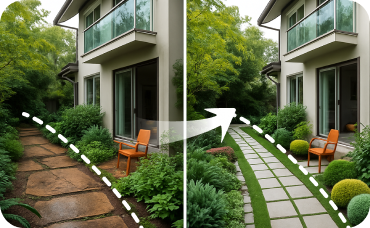
Visualize the perfect formal landscape design to complement your new neoclassical facade.
HouseGPT
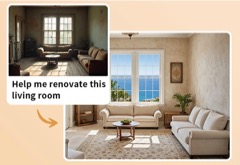
Chat with our AI design assistant to get renovation advice, budget guidance, and step-by-step project plans.
AI 3D Rendering
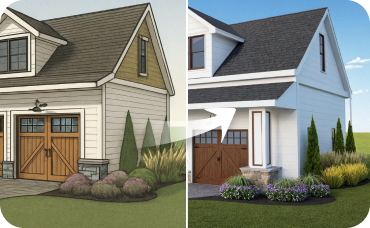
Create a high-resolution, multi-angle 3D model of your completely redesigned, timeless American traditional room.
Ready to Design with the Smartest Virtual Blueprint Maker?
Map your space in minutes with clear, share-ready 2D floor plans. Fast, intuitive, and professional design is just a click away with Ideal House.
Generate My Floor Plan
💰 Ideal House के एफिलिएट पार्टनर के रूप में 10% कमीशन प्राप्त करें।
हमसे जुड़ें